How booking works: arrival windows, standard and urgent visits, and what happens after you pay
From typing an address to opening the delivered photos: how availability is decided, how standard and urgent windows differ, what a two-hour arrival window means, how payment is confirmed, and what your account shows at each step.
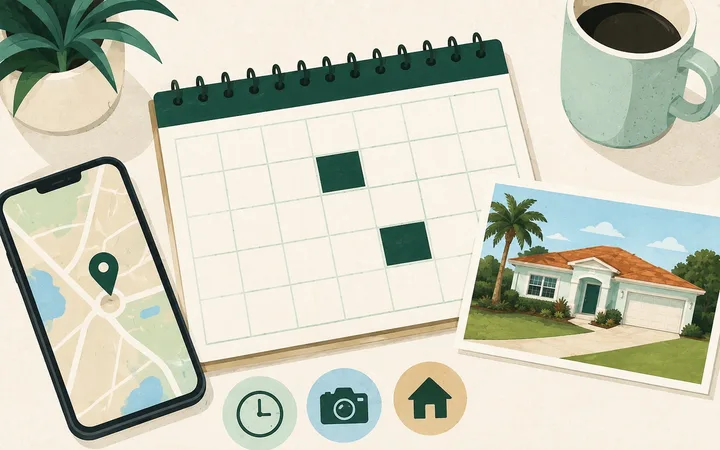
Booking a visit takes about two minutes: an address, a date, a two-hour window, and payment. Here is what happens at each step, from the first keystroke to the delivered set.
Step one: the address
Enter the property address on the home page or the address page. We place it on the map, confirm it sits inside Flagler County, and tell you plainly whether visits are currently available for that part of the county. If we cannot place the address confidently, the page asks you to confirm the exact spot on a map before going further, because a visit to the wrong house helps nobody.
Where we are booking right now
Availability is decided per area, not per address. Where an area is open, the address page shows the service and its price. Where an area is not open yet, the page says so and offers to let you know when it is. We do not show a booking button that fails at the end.
Step two: choosing a date
The calendar shows only days with an open two-hour window. Days that are full and days we do not operate are simply not clickable, so what you can pick is what you can have. Pick a day, and the day’s windows appear beneath it, each with its price.
Standard and urgent windows
A standard window starts at least 48 hours from now, counted from the top of the next hour. That lead time is what lets the day be planned around every visit on it.
A window that starts sooner, as soon as two hours from now, is an urgent visit. It is marked as urgent when you choose it, shows its own price, and is held for you from the moment you pay. Windows fill as they are booked, so how soon you can be seen depends on what is still open. When a storm is in the forecast, the time to book the before set is still while the storm is days out, not hours.
What a two-hour arrival window means
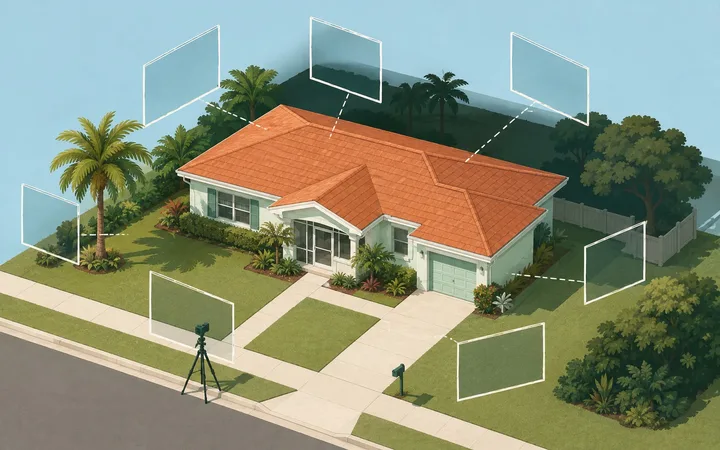
The window is when the photographer arrives at the street in front of the property, not how long the visit takes. A Front View visit itself is a matter of minutes: park legally, photograph from the street and sidewalk, review the frames, and move on. There are six windows a day, Monday through Saturday, between 7 AM and 7 PM Eastern time: 7–9 AM, 9–11 AM, 11 AM–1 PM, 1–3 PM, 3–5 PM, and 5–7 PM. Once your visit is booked, it keeps its window.
Step three: the account and the confirmation
Your account is created at the moment of booking, not before: an email address and a password, and a confirmation that you have a legitimate interest in the property, which means you own it, live in it, manage it, or act for the owner. That confirmation is recorded with the booking. Nothing about a Front View visit involves entering the property, so nothing else is needed for one.
Step four: payment
Payment is taken on Stripe’s secure checkout page, and the button shows the amount before you pay. We never see or store your card. The visit is confirmed the moment Stripe tells us the payment went through, which usually takes seconds; your order page shows “Confirming your payment” until then and “Confirmed” after. If you close the payment page early, the order page offers to reopen it, and the window is held briefly while you do.
What your account shows next
From confirmation to delivery, the order page moves through a short timeline:
- Confirmed: your window is booked
- Visit under way: the photographer is at the property
- Photos being checked: every frame is reviewed before release
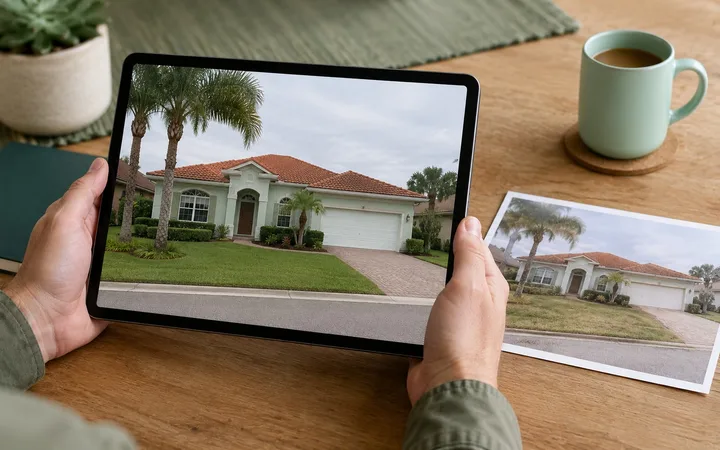
- Photos ready: the set is in your account, timestamped
Changing or cancelling
Plans change. Your order page shows what a change or a cancellation means for that visit before you confirm it, based on how far out the window is. Outside the cutoff a reschedule is free and a cancellation refunds in full; inside it, the page says exactly what applies. No phone call needed.
An urgent visit works differently. You can cancel it for a full refund within 30 minutes of paying. After that it cannot be rescheduled or refunded, unless we cannot carry out the visit for a reason on our side, in which case you choose a full refund or a free reschedule.
When something gets in the way
If a gate, a closed road, or a hazard keeps the photographer from reaching the street in front of the property, the visit is recorded as attempted, and your account explains what happened and offers the next step: a free revisit, a credit, or a refund as the situation calls for. When the reason is on our side, you are not charged for the visit.
How a visit works
No visits are open for booking right now. If you have an account, your past visits and photos are still there.
Every visit is a photographic record of the outside of the property. It is not a home inspection, an appraisal, or a security, patrol, or investigation service.
More in How it works.